I built custom social cards for my blog

Hey friends 👋
One of the coolest things about this new blog project is that I feel like I’m in control and can make it look and act however I want. I’ve blogged, microblogged, and written newsletters on a lot of different platforms over the years, and that has meant having to accept a variety of different limitations.
One thing that no platform does well, in my opinion, is social post embed cards. For years, Twitter was the only card you would find. Later, Mastodon became a bit more common, and more recently Bluesky. Most platforms support one, maybe two of these natively. But few support all of the ones I use. For example, almost no platform supports embedding posts from Farcaster, where I feel like some of my best posts can be found.
What’s more, even if its possible to embed a platform’s official embed cards, they often have their own styling that doesn’t match my theme. It’s a nitpick, sure, but it’s something I care about.
Something you might care about are the privacy implications of embedded post cards. You see, because the post’s data is fetched and served to readers on page load, they can leak IP addresses, geolocation data, device information, and more. They may even contain tracking pixels, cookies, and scripts that feed the surveillance capital machine.
Why not just use screenshots?
Honestly, screenshots are a solid option. They capture a post at a specific moment in time, which means that even if the post is altered later, you still have evidence of what was once written. This is certainly preferable for journalistic endeavours.
I have used screenshots many times over the years, but here’s my issue with them: they’re inelegant. Screenshots are great for evidence, bug reports, or tutorials. They are not ideal for engaging your reader or encouraging them to visit your other content on platforms external to your blog.
That’s what social cards are: an invitation for people to discover your microblogging content in its natural context and, hopefully, to follow you on that platform.
So I built my own
Like most of what you see on this site, these custom cards are a combination of my intermediate knowledge of HTML and CSS, my unrelenting design vision, and a long evening with Claude and a bottle of red wine.
Warning
If you have an issue with AI-assisted coding, that’s fine, but it won’t change that Claude was used to make these. I clearly marked the GitHub repo and you’re welcome to not use them, or even to make your own version. If they’re better, I’ll switch to yours and recommend them on the blog even!
When I build things for this site, I will make what I can open source so that anyone who wants to repurpose those things for their own needs can do so. Just keep in mind that I’m building things to be used with Hugo so you will probably have to make tweaks to get it to work on Astro or other static site builders.
Features
My custom cards feature:
- Subtle hover animations inspired by the official Bluesky embed cards
- Working links in posts
- Link embed cards (rendered at build)
- Image support (with lightbox for viewing embedded images)
- Carousels for multi-image, multi-link, or mixed posts
- Timestamps for posts which can be shown in the reader’s local timezone.
Omitted, intentionally from my cards are:
- Interactions: these would pose potential tracking risks if functional, or would be inaccurate to the point of serving no real function, if rendered at build
- Hashtag clusters can help your post be seen, but they can be quite ugly. My custom cards render hashtags only when they are in the body text. Clusters are hidden. This may cause some posts to render weirdly, if for example every other word in the post’s text is a hashtag. The fix is simple though: don’t write your posts that way.
- Videos (both embeds and video files): these cards cache post images at build time. Doing this with video would be a waste of space and would slow down the site. Depending on the browser, they might not even work. Embedded YouTube, Vimeo etc, would pose the same tracking issue as interactions, so they just render standard link cards.
Examples
Without further ado, here are some posts rendered for demonstration purposes. The particular content is not intended to be relevant to this post or to sway you to follow me on these platforms—though you’re certainly welcome to.
Here is an example of a Bluesky post, aka skeet, featuring a link card and text link.


Here is a Mastodon post, aka toot, from my web friend elle. This post features both an image and truncated text link.

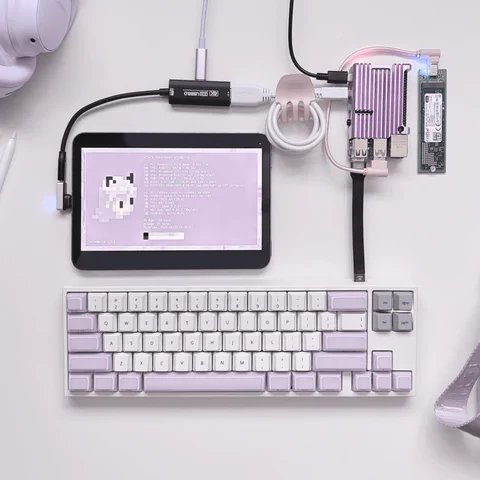
Here is an example of a Farcaster post, aka cast, which features two images. Posts with two images crop them to fill two equal spaces. Posts with more than two render as a carousel of images.
Try clicking an image to see it in a lightbox preview!

 Bluesky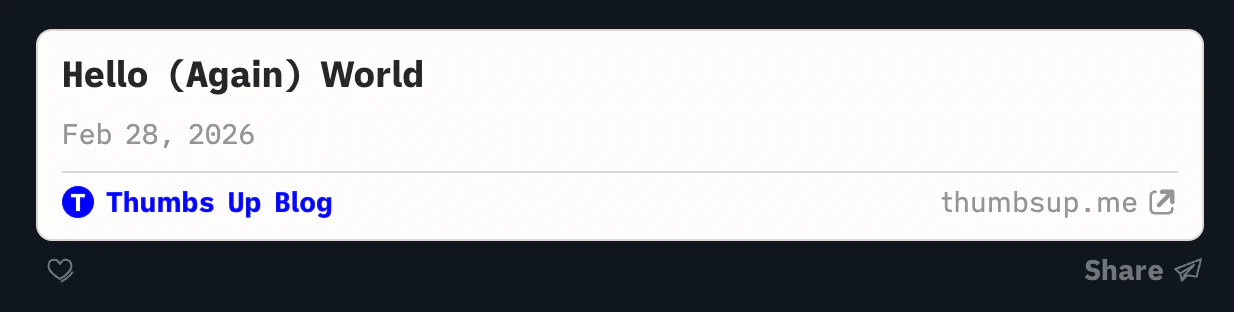
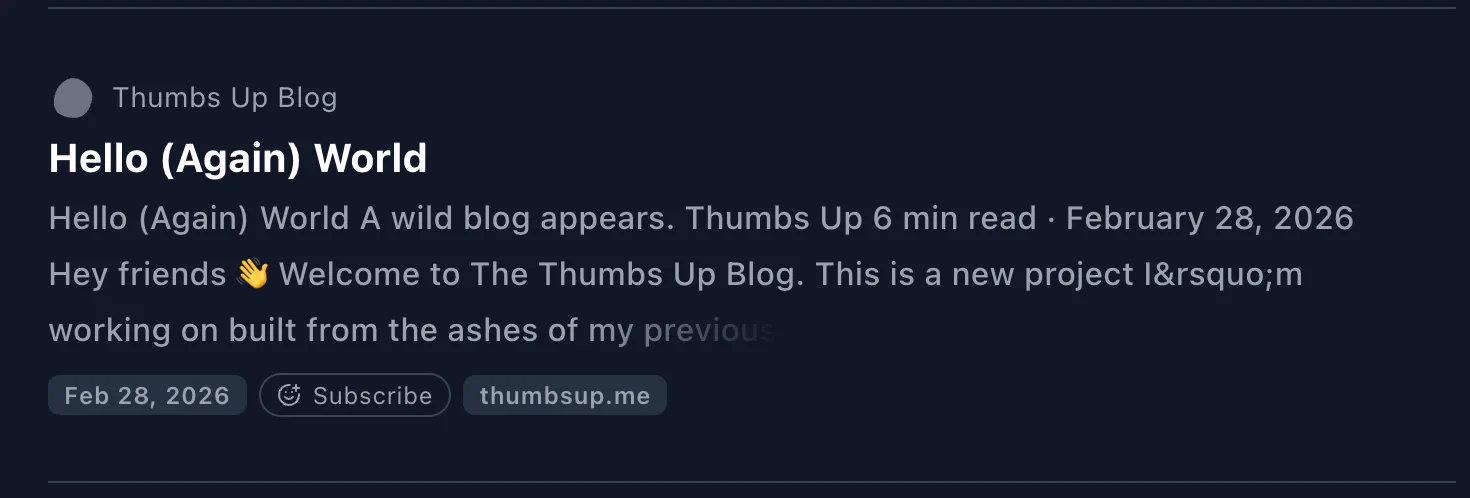
Thoughts?
I think they look great. And what’s cool is that, if you hit that theme toggle at the top of the page, you’ll see how they can be completely re-themed with just plain old CSS. That means you can make them look right at home wherever you use them.
Speaking of which, you can check out the code for these custom cards, review, clone, fork, etc at this GitHub repo. This is my first time using GitHub or any of these platforms, so be kind if I’ve made any newbie mistakes. And again, as indicated on the repo itself, this code is “co-authored by Claude.”
These cards are a perfect example what I want to do with this new website: make my own custom, privacy-preserving, modular components and then give them, and my writing, away for free to whoever wants it.
If that sounds like your kind of thing, subscribe to the RSS feed, follow me on socials, and come back every once in a while for a visit. And if you want to help beta-test another of my custom components, you could try out the tip buttons at the bottom of this post 💚
Here are some ways to support this content